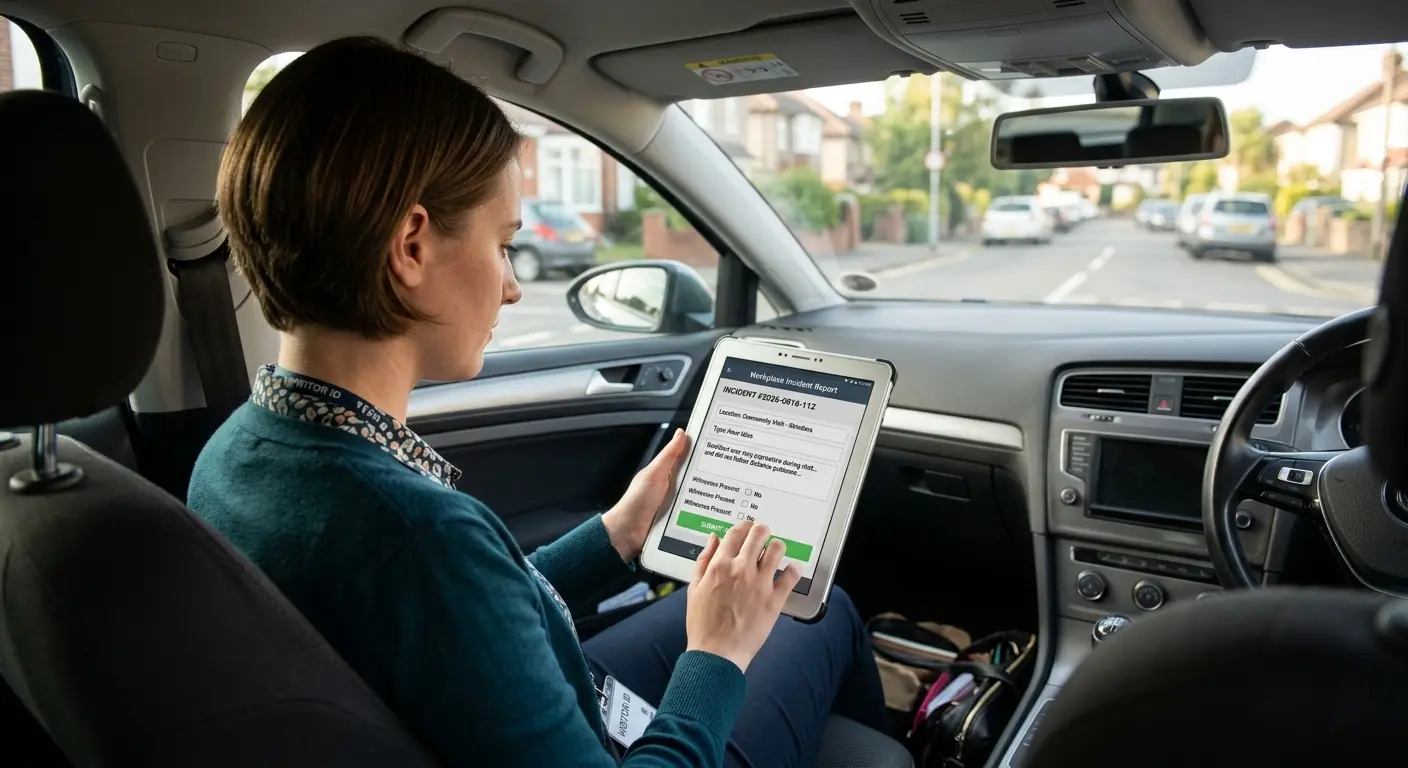
What this covers
This guide is for human resources and organisation leaders who own the reporting system. Then it is for managers who take first reports. Then it is for staff who must write a complete account.
Start with why the organisation needs a usable record. Do not start with a list of file types.
Covered here
- Explain why a timely, complete record matters beyond the immediate event.
- Recognise written accounts, recordings, system data and witness evidence.
- Use the reporting system as an employer and as a member of staff.
- Write a chronological account that can stand without you filling gaps later.
- Check what cameras and lone-worker systems can and cannot provide.
Not covered here
This is not legal advice. It is not a Reporting of Injuries, Diseases and Dangerous Occurrences Regulations 2013 (RIDDOR) decision tool. It is not a police evidence manual. It does not teach first aid, wound care or personal physical care. It does not decide admissibility, disclosure or liability in a named case.
Why the record lasts
An incident can resurface weeks or months later. It may return as an internal investigation, a grievance, an employment tribunal claim, a civil claim or a criminal process.
What was recorded at the time often becomes the account against which later information is tested. A complete record protects staff as well as the organisation. It is not a reason to withhold a report.
Employment
A report can show what was known, what action was taken and whether concerns about harassment, discrimination or conduct were addressed.
Civil
A clear record can support investigation of an alleged failure in a system of work, or a complaint involving a staff member or a member of the public.
Criminal
A prompt first account, original footage and controlled handling may all matter where police become involved.
Legal position
There is no standalone UK lone-working Act. There is no 2026 incident-recording law that replaces the Health and Safety at Work etc. Act 1974 or the Management of Health and Safety at Work Regulations 1999.
Name the nation before you apply a reporting duty.
Great Britain
In Great Britain, employers must, so far as is reasonably practicable, provide safe systems of work, information, training and supervision under the Health and Safety at Work etc. Act 1974 section 2.
They must keep a suitable and sufficient risk assessment live under the Management of Health and Safety at Work Regulations 1999 regulation 3. Reporting is how the employer learns whether controls work.
The Reporting of Injuries, Diseases and Dangerous Occurrences Regulations 2013 apply in Great Britain. The responsible person reports specified work-related deaths, injuries, diseases and dangerous occurrences.
The Health and Safety Executive treats some work-related violence as an accident for that purpose. That can include death, a specified injury, or physical injury causing more than seven days' incapacity, subject to the work-related test.
This page is not a RIDDOR decision tool. Check the current Health and Safety Executive criteria for a named case. Internal recording must be wider than those statutory reports.
Staff in Great Britain must take reasonable care of themselves and others, and cooperate with their employer, under the Health and Safety at Work etc. Act 1974 section 7. Reporting accidents, near misses, violence, safeguarding concerns and failed controls is part of that practical duty.
Northern IrelandReporting duties are not Great Britain RIDDOR. They sit under the Reporting of Injuries, Diseases and Dangerous Occurrences Regulations (Northern Ireland) 1997. Report to the Health and Safety Executive for Northern Ireland, not the Great Britain Health and Safety Executive portal. Thresholds differ. Over-three-day injuries can be reportable in Northern Ireland.
IrelandIreland is not RIDDOR. The Health and Safety Authority administers accident and dangerous occurrence reporting under the Safety, Health and Welfare at Work (Reporting of Accidents and Dangerous Occurrences) Regulations 2016. Name Ireland before you apply any reporting duty. Do not copy Health and Safety Executive wording onto an Irish notice.
Safeguarding referrals follow the statutory route for that nation. An internal incident form does not replace it. See the safeguarding guide and the legislation guide.
Data protection applies to incident files, audio, GPS and footage. Preserve originals. Do not circulate them informally. A data protection impact assessment sits before you retain or monitor that material where required.
This page is not legal advice.
Types of evidence
An internal investigation, tribunal or court will consider available evidence together. Each type has strengths and limits. Do not rely on one record in isolation.
Real evidence
What the system captured: closed-circuit television (CCTV), body-worn footage, device audio, photographs and GPS or location data.
Documentary evidence
What was recorded in writing: incident reports, controller notes, emails, transcripts and policy documents.
Testimonial evidence
What people personally experienced: first-hand accounts from staff, witnesses and others directly involved.
Your own prompt account
Your own account, in your own words and written as soon as you can, is the best evidence of what you experienced.
Hearsay is a report of what someone else said or saw. Workplace investigations may consider it. It is generally less reliable than a direct first-hand account because it cannot be tested in the same way. This is practical guidance, not a lecture on evidence law.
- Write promptly. Memory fades and later discussion can reshape it.
- Use your own words. Record what you personally saw, heard, did and decided.
- Keep accounts separate. Do not replace your own account with a colleague's summary or a manager's interpretation.
- Preserve originals. A recording is stronger than a summary of that recording.
Cameras and safety systems
Technology can support a written account. It cannot replace one. Angles, coverage, retention, device state and the difference between live monitoring and retained evidence all matter.
CCTV
CCTV may cover a location continuously. It can have camera angles, coverage gaps, no audio and short rolling retention. Check the organisation's policy rather than assuming footage exists.
Body-worn cameras
A body-worn camera is usually activated for a defined risk, not continuously. It needs clear deployment, fair-use and evidence-handling controls. Read the body-worn cameras guide.
Lone-worker systems
Devices and apps can create logs, location data and responder records. The exact data depends on the supplier and service tier.
Lone-worker records
Lone-worker devices and apps generate distinct categories of evidence. It is easy to assume more is captured, retained or accessible than actually is.
Do not treat live audio as stored audio. For each category, verify availability, access and security, and retention and export for the approved supplier and service tier.
Availability
Does this record exist, and is it standard or an optional add-on?
Access and security
Who can view, request, export or share it?
Retention and export
How long is it kept, and can it be retrieved securely?
Audio evidence
- Live audio
- Real-time monitoring during an active alarm. Do not assume it is stored.
- Stored audio
- Archived recordings of a past incident, where the service retains them.
- Alarm audio
- Audio captured at the point of activation.
- Call recording
- Records of calls between the worker and the receiving centre.
Written records and documentation
- Controller notes
- Manual notes made by the operator handling the alert.
- Written transcript
- A manually prepared word-for-word record.
- Automated transcript
- System-generated text that may need accuracy checks.
- Incident report
- The formal account and management record created after an event.
Technical logs and timelines
- Event timeline
- A chronological sequence of the incident.
- Activation log
- The technical record of how and when the alert was triggered.
- Escalation timestamps
- When managers, responders or emergency services were notified.
- Emergency service contact record
- Logs of communication with police or ambulance services.
Location and usage data
- GPS location
- Coordinates transmitted during an alert.
- GPS history
- Location history leading up to an incident, where provided.
- Missed check-in record
- Logs of planned safety contacts that were not completed.
- False activation record
- Data that can help improve system set-up and practice.
- Device test history
- Evidence that equipment was tested before use.
System access and reporting
- Downloadable report
- A compiled PDF, CSV or similar system record.
- Dashboard access
- Visibility through the provider's management portal.
- Audit trail
- A history of access, changes or interactions with the data.
- Data export
- The ability to retrieve information for the organisation's records.
- API access
- Potential links with approved internal safety or human resources systems.
Employer duties
Reporting is not an optional administrative extra. It helps an employer identify risk, check controls and improve the system of work.
In Great Britain that sits under the Health and Safety at Work etc. Act 1974 section 2 and the Management of Health and Safety at Work Regulations 1999 regulation 3. Legal duties are fact-specific. Use the legislation guide for statutes in more depth.
Run a reporting route that staff can actually use. Review trends. Act when controls are not working. Internal recording must be wider than statutory reports to the enforcing authority.
What staff should report
Raising a concern early is the system working. A concern-stage alert and a dynamic risk assessment withdrawal are reportable events, not only incidents with injury.
- Accidents and injuries, including those that initially appear minor.
- Near misses and hazards, even where nobody was harmed.
- Workplace violence, aggression, threats and hostile contact.
- Safeguarding concerns, using the right referral route for that nation.
- Equipment, recording or communication failures that weakened a safety control.
- Dynamic risk assessment withdrawals and concern-stage alerts.
- Dog-related near misses on visits. See dogs on visits.
When and how
Make safety the first priority. Then record the facts as soon as practicable. Follow the local procedure. Inform the line manager even if a separate written report is required.
Make safe
Get help, withdraw, seek medical care, or use emergency escalation where required.
Preserve evidence
Secure footage, device records, photographs or relevant messages. Do not edit, delete or share them informally.
Report first, view later
Complete a factual report before viewing footage, unless an approved investigation process or authority directs otherwise.
Notify and follow up
Tell the right manager. Preserve any original material. Use the agreed support and review route.
Make safe stays high levelGet help. Withdraw if it is safe to do so. Seek medical care. Use emergency escalation where required. This page does not teach first-aid technique, wound care or personal physical care.
Writing a complete report
A good report is not a short summary. It is a clear chronological account that allows someone to understand what happened months later without you there to fill in gaps.
In housing, care, charity and trades work, context often includes isolation, time of day, dogs on the premises, apparent intoxication, threats and whether an exit route was available.
- Put events in order
- Record what happened in the order it happened, including warning signs and changes in behaviour.
- Separate fact from assumption
- Say what you saw, heard and did. Make any interpretation clear rather than presenting it as fact.
- Record direct speech
- Use quotation marks where wording is remembered. If you are not certain, say “words to the effect of” rather than inventing precision.
- Explain your actions
- Describe specific decisions, such as stepping back, ending the visit, activating an alert or seeking help.
- Include relevant context
- Record isolation, time, location, apparent intoxication, threats, size difference, dogs, exit routes or other factors that affected the risk.
- Record the impact
- It is appropriate to record being frightened, distressed or concerned for safety. That is part of the factual picture.
- State evidence and gaps
- Identify camera, device or witness evidence. Report any fault, missed activation or uncertainty honestly.
- Keep it complete
- Do not leave out difficult details. A complete, honest account is easier to explain than a vague summary.
After reporting
A report should lead to a welfare response and learning. It should not disappear into a record system.
Support
Managers should offer a debrief, a welfare check and, where appropriate, employee assistance or other support. See post-incident support for staff.
Learning
Use incidents, near misses and hazards to improve training, staffing, systems and controls. Review patterns, not only individual events. See workplace violence and the manager implementation toolkit.
Sharing
Where appropriate, share anonymised learning. Do not turn one person's incident into workplace gossip.
If a safeguarding concern arises, use the statutory referral route. An internal form does not complete that duty.
Limits
This guide supports good reporting and evidence handling. It does not determine legal admissibility, liability or disclosure in an individual case.
Get case-specific advice before deciding how to use evidence in a tribunal, litigation or criminal proceedings.
Retained audio and footage can be worker monitoring. Control access. Complete a data protection impact assessment where required. Do not circulate originals informally.
Downloads
These pages stay free. Safety Solutions Training does not sell an evidence-compliance pack.
Incident Evidence Request Record: In preparation. Do not treat it as an approved file.
Align labels with the live downloads page before treating a file as approved.
Training
A reporting form does not create competence. Staff still need practice writing a first account, using a device under pressure and knowing when to withdraw.
Discuss Lone Worker Personal Safety training for managers and staff who must report, preserve evidence and use the arrangement after an incident. This page does not decide whether an arrangement satisfies legal duties.
Official sources used for this page
Source check 31 August 2026. Not legal advice. Not a RIDDOR decision tool.