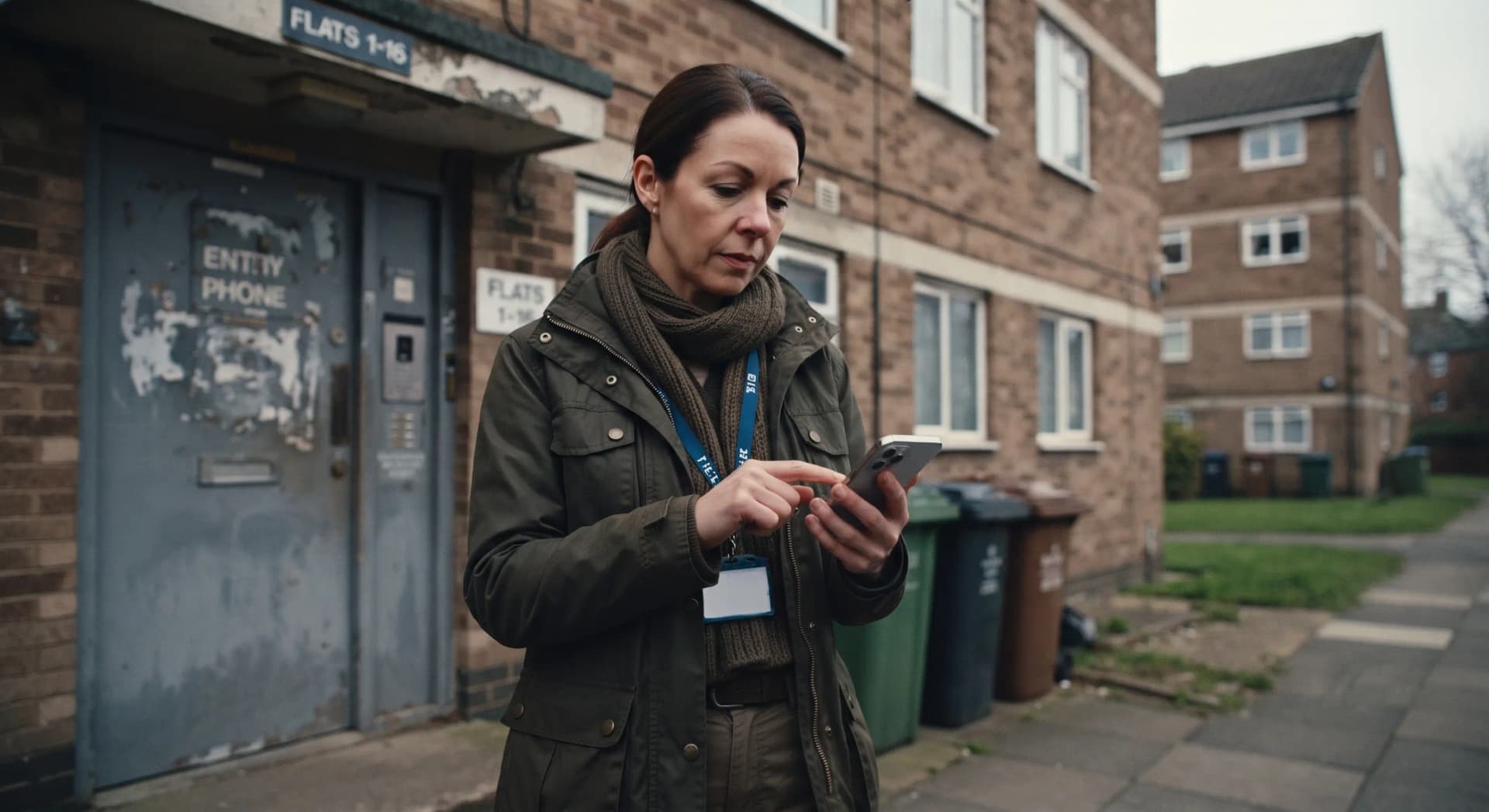
Why this is a management control
Human resources and organisation leaders set the rule. Staff must not be sent out with a missing device, a dead battery, an outdated profile or an untested alarm route. A verbal instruction to be careful is not a replacement control.
Issue sheets and induction signatures are not readiness. Readiness is confirmed when the approved system is live on the person who will work alone, and when a failed check has a named fallback.
Covered here
The failed-check rule. The four-part check: Available, Connected, Understood, Escalation ready. Practice before pressure. Early use, false activations, what a record can and cannot do, roles, and the limit that a passed check is not permission for unsafe lone work.
Not covered here
This is not legal advice. It is not a supplier button layout. It is not a mandate to buy a branded device. It is not personal physical care or first-aid treatment. It does not reprint the devices essay.
Legal position
Readiness is part of the employer arrangements. It is not a separate device law. There is no standalone UK lone-working Act. There is no 2026 device-readiness statute.
Name the nation before you apply a duty.
No standalone device-readiness lawINDG73 is Health and Safety Executive guidance: training, supervision, monitoring and support. It is not legislation.
Great Britain: Health and Safety at Work etc. Act 1974 section 2. Employers must ensure, so far as is reasonably practicable, the health, safety and welfare at work of employees. Information, instruction, training and supervision sit inside section 2(2)(c). A pre-use check can support those duties. Management of Health and Safety at Work Regulations 1999 regulation 3: keep a suitable and sufficient assessment live. Passing a check does not make unsafe lone work acceptable.
Northern Ireland: Health and Safety at Work (Northern Ireland) Order 1978 and the Management of Health and Safety at Work Regulations (Northern Ireland) 2000. Regulator: Health and Safety Executive for Northern Ireland (HSENI).
Ireland: Safety, Health and Welfare at Work Act 2005 section 19. Regulator: the Health and Safety Authority. Do not copy Health and Safety Executive wording onto an Irish notice.
A successful device check does not replace risk assessment, paired working, postponement, or a decision that the task should not be done alone. This page is not legal advice. Use the workplace safety legislation guide for statutes in more depth.
Before lone working starts
Complete the check before travel, a visit or a shift starts. Confirm the device is on the person.
Available
The device, app or panic button is on the person and ready to use. It is not in a bag, drawer or vehicle.
Connected
Battery, login, app permissions and updates are current. Check signal, Wi-Fi or satellite coverage where that is part of the approved service.
Understood
The worker can start, extend and close a timed session, and knows what a responder will see.
Escalation ready
The worker profile, emergency contacts and escalation details are current.
A worker who can pass this check should also be able to explain, in their own words, when to use concern-stage support before an emergency. If they cannot, the check has passed but the readiness has not.
Know the features and practise them
Most lone-worker devices and apps do more than raise an alarm. Names and exact functions vary by supplier. Staff should know what their approved system provides, and when each feature is useful. Do not assume a feature exists unless it has been verified on that service.
Concern-stage, virtual buddy and timed check-in
A monitored check-in can keep a responder aware of a visit or journey without raising a full alarm. Timed check-ins can prompt a response when a session is not closed as expected.
Discreet activation, GPS and fall detection
Staff should understand discreet activation and location sharing. Fall detection applies only where it is fitted and verified. They should not be discovering how these work during a genuine incident.
Practice before pressure
Use short, realistic practice in inductions and refreshers: activate, extend, cancel and raise a concern-stage alert. A one-off supplier demonstration is not competence.
See the personal safety devices guide for the wider practice framework.
Use support before crisis
Staff often under-use lone-worker support because they picture it as an emergency-only button. Readiness includes knowing when a concern-stage check-in or early alert is appropriate. Early use is the system working as intended.
False activations
Fear of a false alarm is a common reason staff stop carrying or using a device. Left unaddressed, it teaches people to delay using the system when they need it.
- Treat false activations as learning signals unless misuse is clear.
- Ask what the worker was doing, how the device was activated, and what would help avoid the same trigger next time.
- Feed learning back briefly and without blame, so the same trigger does not catch someone else.
- Make a false activation easy to report in the moment. Do not leave staff hoping nobody noticed.
Zero false activations is not proof of good useA team reporting no false activations is not necessarily using the device correctly. It may mean staff have stopped trusting it enough to try.
What the record can and cannot do
Intended use can build a factual record of what happened and when. Where an activation, check-in or call involves audio, that record may support a worker if events are later disputed, misrepresented, or become a complaint. It can give their account something independent to stand on.
It does not promise a recording, a transcript or a legal defence.
Do not assume what is retainedWhat is captured, how long it is retained and whether it can be exported depends on the supplier and service tier. A responder hearing live audio during an alarm is not the same as a stored, retrievable recording. Managers must tell staff what their approved service actually retains. Check the service through a manager or the incident evidence and reporting guide.
Recognise good use
Most readiness content focuses on faults. Make space for what goes right, so staff see confident early use as normal professional practice.
Recognise early use
Acknowledge an early check-in, discreet alert or concern raised before escalation. That can be as valuable as a response to a serious incident.
Show the system working
Share positive outcomes internally, anonymised where needed, so staff see what good use looks like rather than hearing only about faults.
Use supervision and team meetings
Recognise good use in the same constructive way as a useful near-miss report. Staff who see early use praised are more likely to use their own device.
Check, act, record, review
Manager action pointDecide in advance what happens when a check fails. Staff should not be left to improvise with a missing device, poor signal, outdated profile or untested alarm route. Use the agreed fallback: a replacement device, paired work, rescheduling or additional check-ins. A verbal instruction to be careful is not an adequate replacement for a missing control.
Check before exposure
Complete the readiness check before travel, a visit or a shift starts. Confirm the device is on the person, not in a bag or vehicle.
Act when a check fails
Use the agreed fallback. Work does not start on a failed control.
Record useful evidence
Record who checked, which system was used, what failed, the decision made and who owns the correction. Avoid forms that do not test the actual device or response route.
Review patterns
Track repeated battery failure, missed tests, login problems, outdated profiles, poor-signal areas, practice avoidance and positive outcomes. Report the learning to managers routinely.
Roles
Readiness is not confirmed by an induction signature. Use the actual system and local response arrangements for observation and refresher practice.
Worker
Complete the pre-use check, choose the right support route, activate discreetly when needed and understand what a responder will see.
Responder
Use the worker profile, follow missed-contact procedures, escalate appropriately and preserve the response record.
Manager
Provide alternatives when a check fails, keep profiles current, review usage and faults, arrange refreshers and recognise good use when it happens.
Human resources and leaders
Own the rule that work does not start on a failed control. Name who may stop or change work. Do not leave staff to invent a fallback on the day.
Evidence and limits
A passed check is not permission for unsafe lone workA successful device check does not make unsafe lone working acceptable. Task, environment, behaviour risk, supervision and emergency response must remain suitable. Follow the approved supplier's verified instructions for that service. Do not assume a feature or level of protection is available unless it has been confirmed.
See also the monitoring and escalation guide and the connectivity and resilience guide.
Training
A one-off supplier demonstration is not competence. This page does not decide whether an arrangement satisfies legal duties.
Discuss Lone Worker Safety training for managers and staff who must use the arrangement under pressure.
Official sources used for this page
Source check 31 August 2026. Not legal advice.